
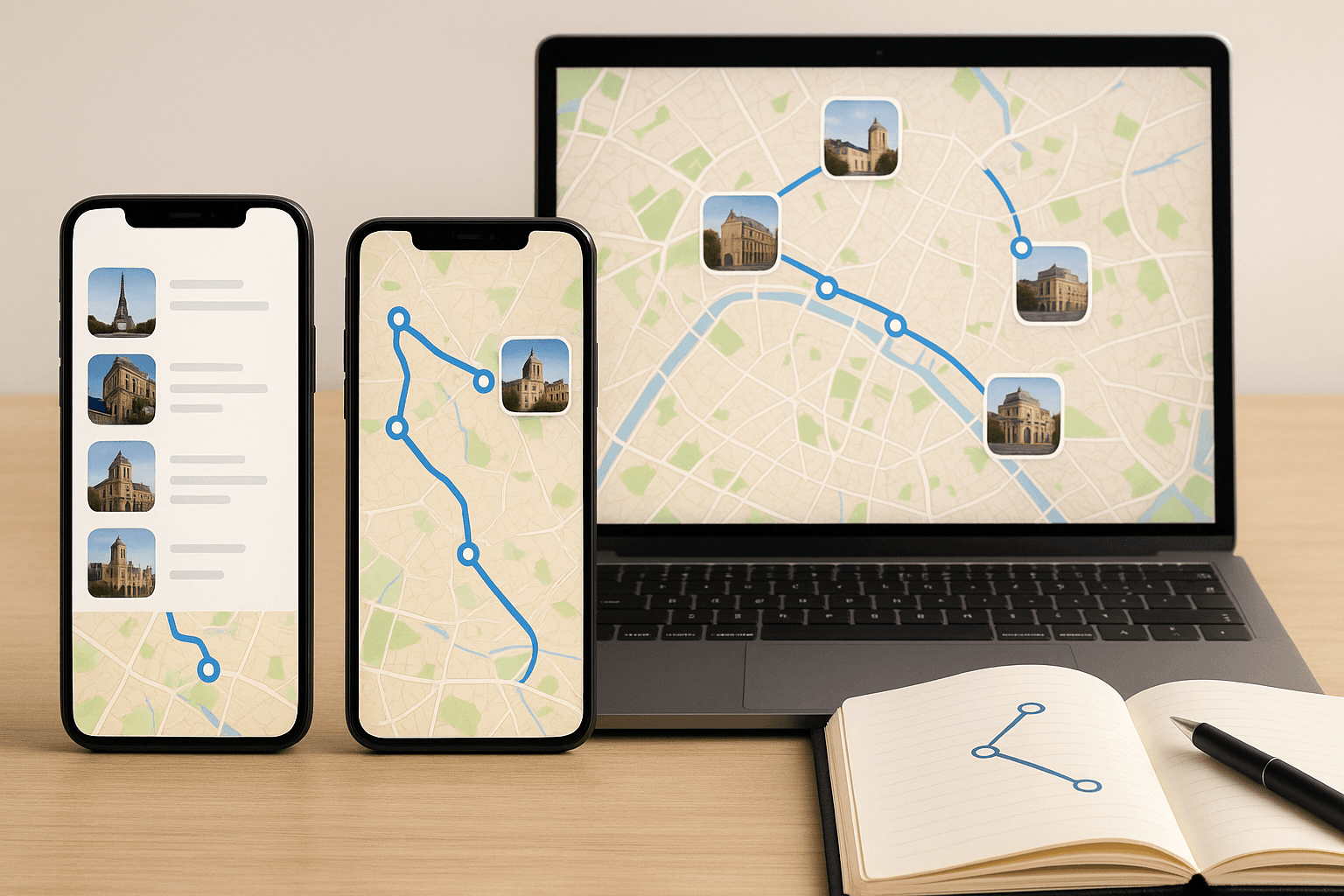
Trip Planning Apps Compared: Choosing the Perfect Tool for Your Travels
The right planning app can streamline your next adventure, from itinerary building to tracking expenses. Our expert comparison reveals what sets the leading apps apart—and how to select the one that matches your travel style.
The Rise of Trip Planning Apps: A Game-Changer for Travelers
Gone are the days of juggling paper printouts or endless spreadsheets. Modern travel planning tools now consolidate maps, confirmations, and daily schedules, allowing you to focus on the journey itself.
- Real-time updates and offline access
- Integrated budgeting for transparent cost control
- One-click sharing with travel companions
Comparing Leading Apps: Features That Matter Most
Our editorial team tested Sygic Travel, Roadtrippers, TripIt, and Google’s integrated planning tools. Each offers unique advantages—whether you’re optimizing a two-week escape or a short city break.
- Sygic Travel: Exceptional offline maps, trip templates; paid plans start at €3/month.
- Roadtrippers: Best for cross-country journeys; US-centric but expanding in Europe.
- TripIt: Effortlessly imports email confirmations; limited customization.
- Google’s tools: Easy to adopt, but depend on your Google account.
Smart Selection: Matching App to Travel Scenario
Ask yourself: How detailed do I want my itinerary? Will I manage bookings for others? Do I need seamless offline access?
- Budget travelers: Sygic’s templates and Roadtrippers’ route costing simplify expense projections.
- Family trips: TripIt lets you sync and share plans with a group instantly.
- Independent explorers: Offline editing and flexible export options are key.
Real-World Scenarios: Time, Budget, and Ease
Consider a 14-day trip to Japan: Sygic’s offline navigation and daily planner saved our team countless hours and kept the budget within €80/day, excluding flights. Planning a Portugal road trip? Roadtrippers automatically calculates distances, suggested stops, and fuel costs for maximum efficiency.
Advanced Features: Collaboration, Cloud Sync, and Beyond
Some apps now offer collaborative editing, cloud storage, and multi-device sync. These features are invaluable if you’re planning with friends or want automatic backups along the way.
FAQ: Travel Planning Apps
Which app is best for cross-country road trips?
Roadtrippers stands out for route mapping, fuel calculations, and hidden gem suggestions, especially if you’re traveling across the US or Europe.
How long does it take to build a full trip itinerary with these apps?
Depending on trip complexity, expect to spend 30 minutes to two hours organizing bookings, activities, and day-by-day plans.
Do I need to pay for premium features?
Free versions cover most essentials, but premium plans offer advanced functionality such as offline maps, PDF exports, and priority support.
Related articles
Cheap travel: 21 proven hacks to cut flight and hotel costs
Master practical budget tips for flights and accommodation. From flexible date searches to payment tricks and digital tools, here’s how to stretch your travel budget further.
How to build a personalized travel itinerary with AI
A complete framework to design actionable itineraries with clear pacing, budget control, and fewer planning mistakes.
Ready to turn these tips into a concrete itinerary?
Create your trip in minutes with TravelCraft.